
Fust Survival Smelting Guide: What Goes in the Furnace
Fust Survival's furnace takes Metal Ore, Sulfur Ore, HQM Ore, Wood and Raw Meat in separate FOR RESOURCES slots; Metal Ore smelts into Metal Fragments.
Quick answer
Put Metal Ore in the furnace's Metal Ore FOR RESOURCES slot and wood in the FUEL slots. Metal Ore smelts into Metal Fragments, which arrive in your inventory, while burning wood also produces charcoal.
- The furnace window is titled FURNACE OUT. Its FOR RESOURCES area has separate slots for Wood, Metal Ore, Sulfur Ore, HQM Ore and Raw Meat, each with +50 and +ALL buttons.
- Metal Ore is the ore whose smelt result is confirmed: it turns into Metal Fragments.
- Charcoal comes from the fuel burn, not from the ore — the footer lists 75% charcoal alongside the wood burn rate.
- The footer reads 'Burns 1 wood/5.75s, 75% charcoal, no ore needed. Smelts 5 ores per slot.' Those figures were seen on a server running a DOUBLE RATES event, so treat them as an example rather than a universal rate.
What goes into the furnace
The furnace window opens with the title FURNACE OUT, and its inputs sit under FOR RESOURCES. Each part of the window has its own job:
Data table
- Furnace area
- FOR RESOURCES slots: Wood, Metal Ore, Sulfur Ore, HQM Ore, Raw Meat
- What you do there
- Every resource has its own slot. Load a slot with +50 for a fixed batch or +ALL for everything you are carrying.
- Furnace area
- FUEL slots
- What you do there
- Wood you intend to burn goes here; the footer's burn line describes fuel consumption.
- Furnace area
- OUTPUT slots
- What you do there
- The machine's holding area for a finished batch.
- Furnace area
- LIGHT button
- What you do there
- Lights the furnace; it sits in the same interface as the resource and fuel slots.
The detail that matters most is that ores do not share a place. Metal Ore and Sulfur Ore are different resources collected from rock nodes, and the furnace gives every one of them its own slot. You can see this directly while gathering: a sulphur node struck with a Stone Pickaxe produced "+60 Sulphur Ore" and "+60 Metal Ore" in the same session, and the two then go into different slots rather than a single combined one. Hitting a node that looks like sulphur therefore does not commit that material to a sulphur-only path — you still choose the slot when you load the furnace.
Because the slots are separate, the resource you load is the resource the furnace works on. Loading Metal Ore fills the Metal Ore slot and leaves Sulfur Ore, HQM Ore and Raw Meat where they are, so what you take out depends on what you put in.
What Metal Ore comes out as
Metal Ore smelts into Metal Fragments. In the furnace view recorded during play, the finished metal showed up in the player's inventory with a "+52 Metal Fragments" entry in the log — that log line is the clearest sign the batch has completed and the material is now yours to use.
Do not carry the number 52 around as a fixed yield. It was observed on a server running a DOUBLE RATES event, so the amount belongs to those settings and not to standard ones. The part worth remembering is the conversion itself: Metal Ore in the resource slot, Metal Fragments in your inventory.
Charcoal, fuel and the "no ore needed" line
The furnace footer describes the machine in one short sentence: "Burns 1 wood/5.75s, 75% charcoal, no ore needed. Smelts 5 ores per slot." Read that sentence in two halves.
The first half is about fuel. Burning wood is what the footer is describing, and the 75% charcoal figure belongs to that burn — charcoal is a byproduct of the wood going into the furnace, not something the ore in a FOR RESOURCES slot turns into. The words "no ore needed" sit in the same fuel clause: they describe what the burn consumes, not permission to smelt without ore in the resource slot. You still need ore loaded to get metal out.
The second half, "Smelts 5 ores per slot," is the furnace's own summary of how it processes a slot. It is a description of the machine rather than a guarantee that every load behaves identically on every server.
Wood also appears in two places in the interface: as one of the FOR RESOURCES slots and as the FUEL slots. Since the footer's burn rate is tied to fuel, keep the wood you intend to burn in the fuel side and treat the Wood resource slot as its own input, separate from the fuel you are consuming.
Running a batch from loading to output
Checklist
- Gather the ore you intend to smelt
Metal Ore is the input with a confirmed result. Check the ore locations guide if you still need to find nodes, and the tools guide if you are short of a Stone Pickaxe.
- Open the furnace
The window is titled FURNACE OUT and shows FOR RESOURCES, FUEL and OUTPUT areas.
- Load Metal Ore into its own FOR RESOURCES slot
Use +50 for a fixed batch or +ALL to load what you are carrying. The Sulfur Ore and HQM Ore slots stay untouched.
- Put wood into the FUEL slots
The burn line in the footer is the fuel side of the furnace.
- Light the furnace
The LIGHT button is part of the same interface as the resource and fuel slots.
- Check the output
The furnace has OUTPUT slots, and the finished metal was logged in the inventory as +52 Metal Fragments. Look in both places after a batch.
A finished batch gives you two things to watch for. The furnace's OUTPUT slots are the machine's own holding area, and the inventory log is where the smelted metal was actually recorded — the "+52 Metal Fragments" entry appeared in the inventory screen while the player was checking their items. If you are not sure whether something has finished, that log line is the answer.
What the Metal Fragments are for
Metal Fragments are the game's metal-crafting material, which is why the furnace matters beyond the act of smelting. The Workbench 1 recipe costs 50 Metal Fragments and 500 Wood, so the furnace is effectively a step on the road to a workbench rather than an end in itself. The Gun Powder recipe uses Sulphur 10 and Charcoal 10 to give Gun Powder x10, which is where the charcoal from burning fuel comes back into the picture — one material from the ore side, one from the fuel side, combined in a single recipe.
If you are still mapping out what you can build with these materials, the crafting guide covers the wider system and the crafting recipes page lists the individual recipes. Anyone whose furnace is not yet placed should start with the furnace guide, since acquiring and setting up the furnace is a separate job from loading and running it.
Where smelting sits in the survival loop
The official game description places smelting in the ordinary sequence of play: gather wood, stone and ore, craft tools, smelt metal in your furnace, then build a base worth raiding. That ordering is a fair description of how the furnace fits the rest of the game — it sits between the ore you mine and the metal you craft with. The beginner guide covers the early part of that loop, resource gathering explains how the ore gets to you, and the base defense guide picks up once your walls are up.
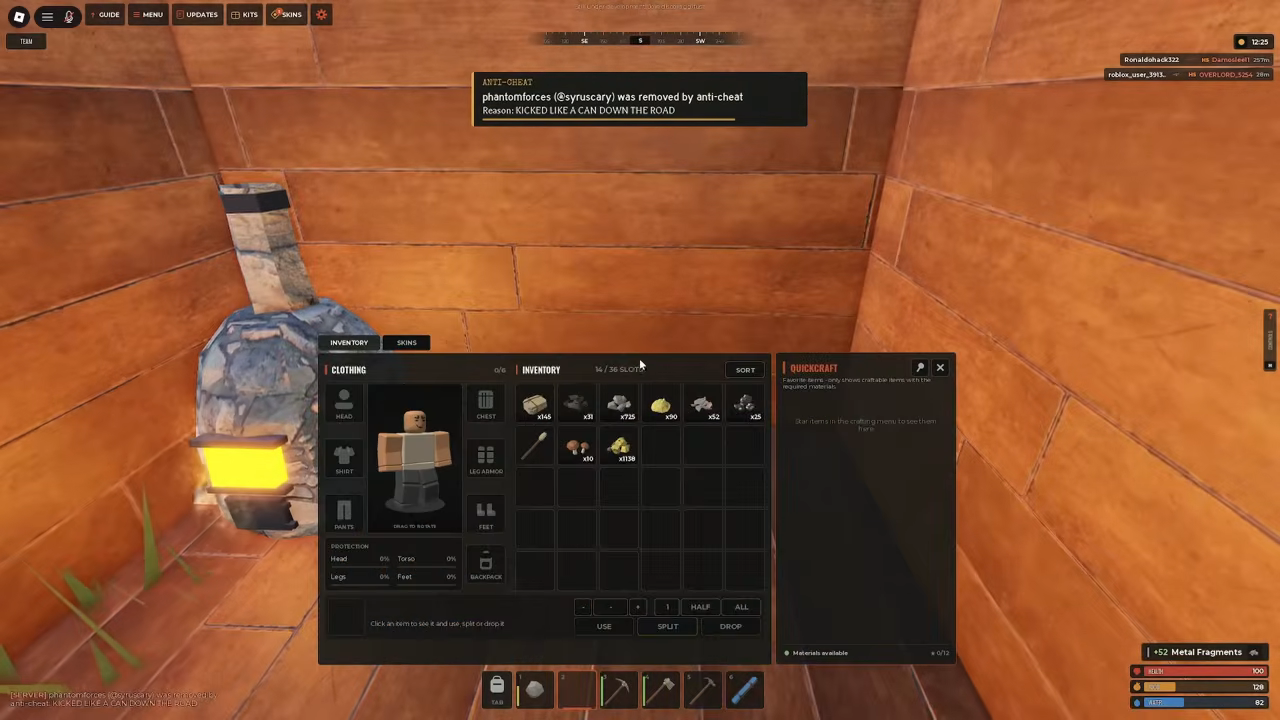
The furnace is a simple machine once the interface is understood: ore goes into the matching FOR RESOURCES slot, wood goes into FUEL, and Metal Ore comes back out as Metal Fragments you can spend on the workbench.
Related Guides
Furnace Window and Controls
Understand the furnace window: resource slots, fuel slots, output and the buttons that run a smelting session.
Current Recipe Costs
Current panel costs for the Stone Pickaxe, Tool Cupboard, Workbench 1 and Gun Powder at a glance.
Craftable Tools and Their Jobs
What the Stone Pickaxe, Hammer and Building Plan each do and which one your next task needs.